
The ultimate collection of Squarespace plugins
Explore a growing library of Squarespace plugins. Discover creative effects, interactive elements, and powerful design features to build a more professional website.
-
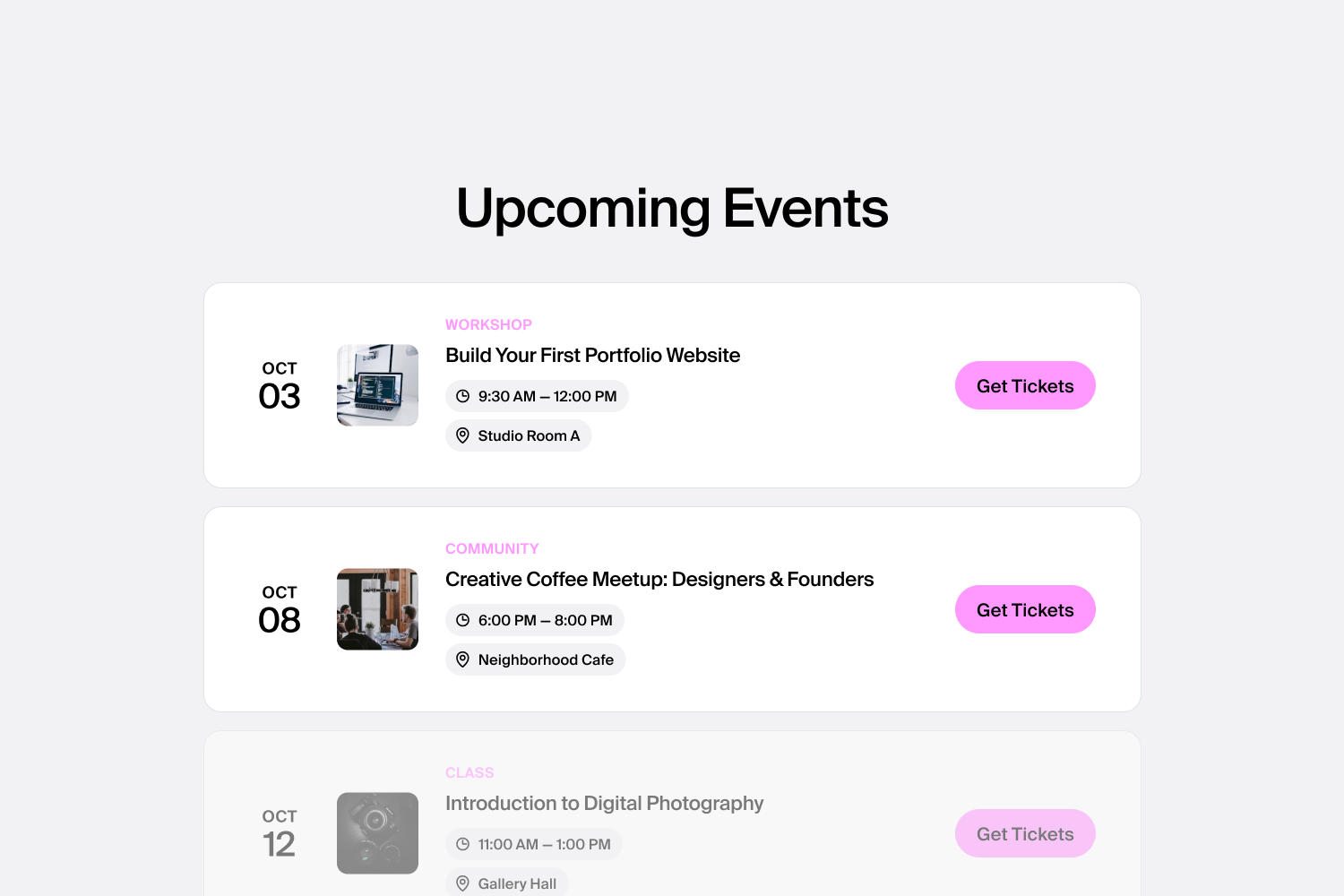
Event Calendar
Showcase your upcoming events in a clear, organized calendar.
-
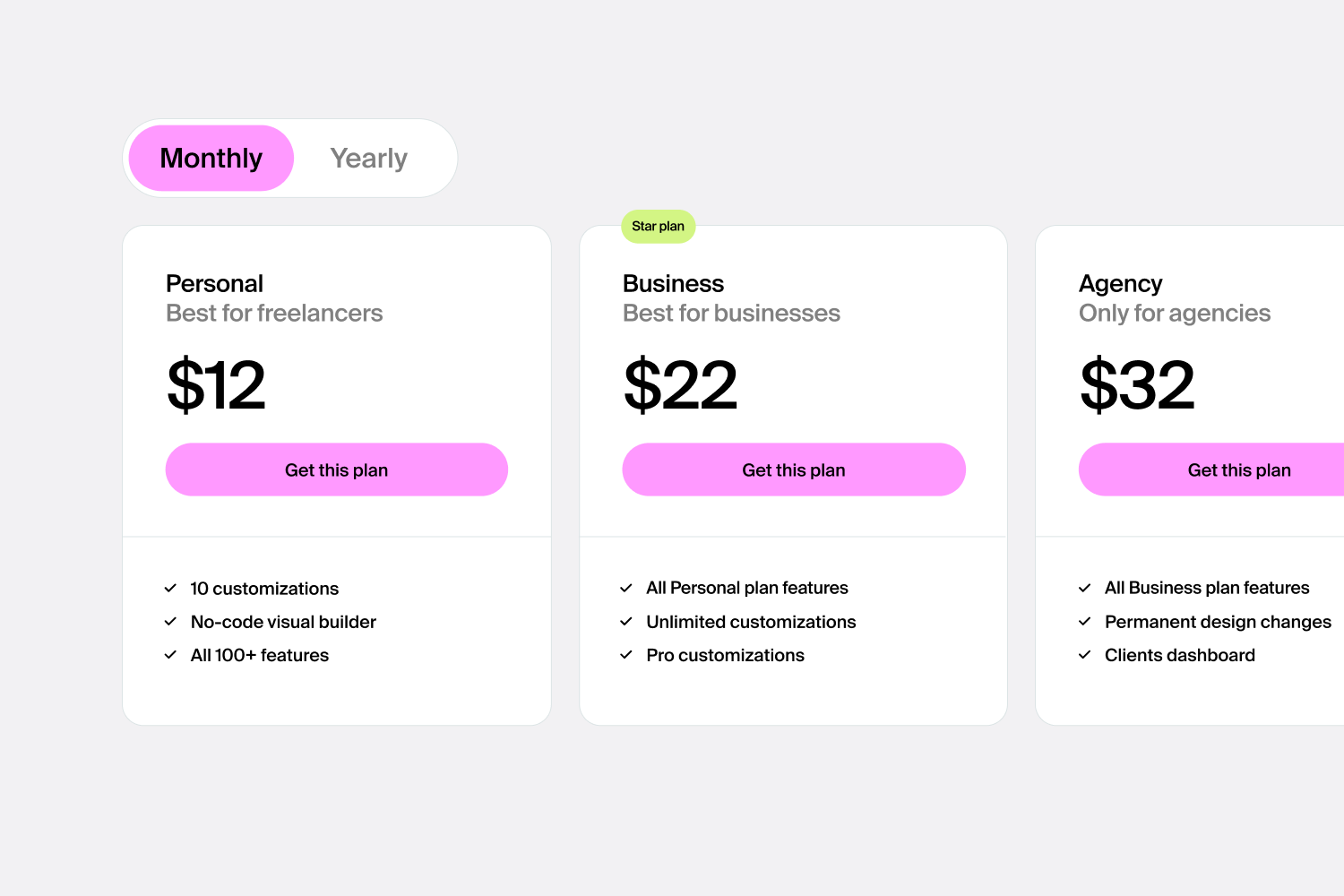
Pricing Plan
Display your pricing with up to 5 fully customizable plans.
-
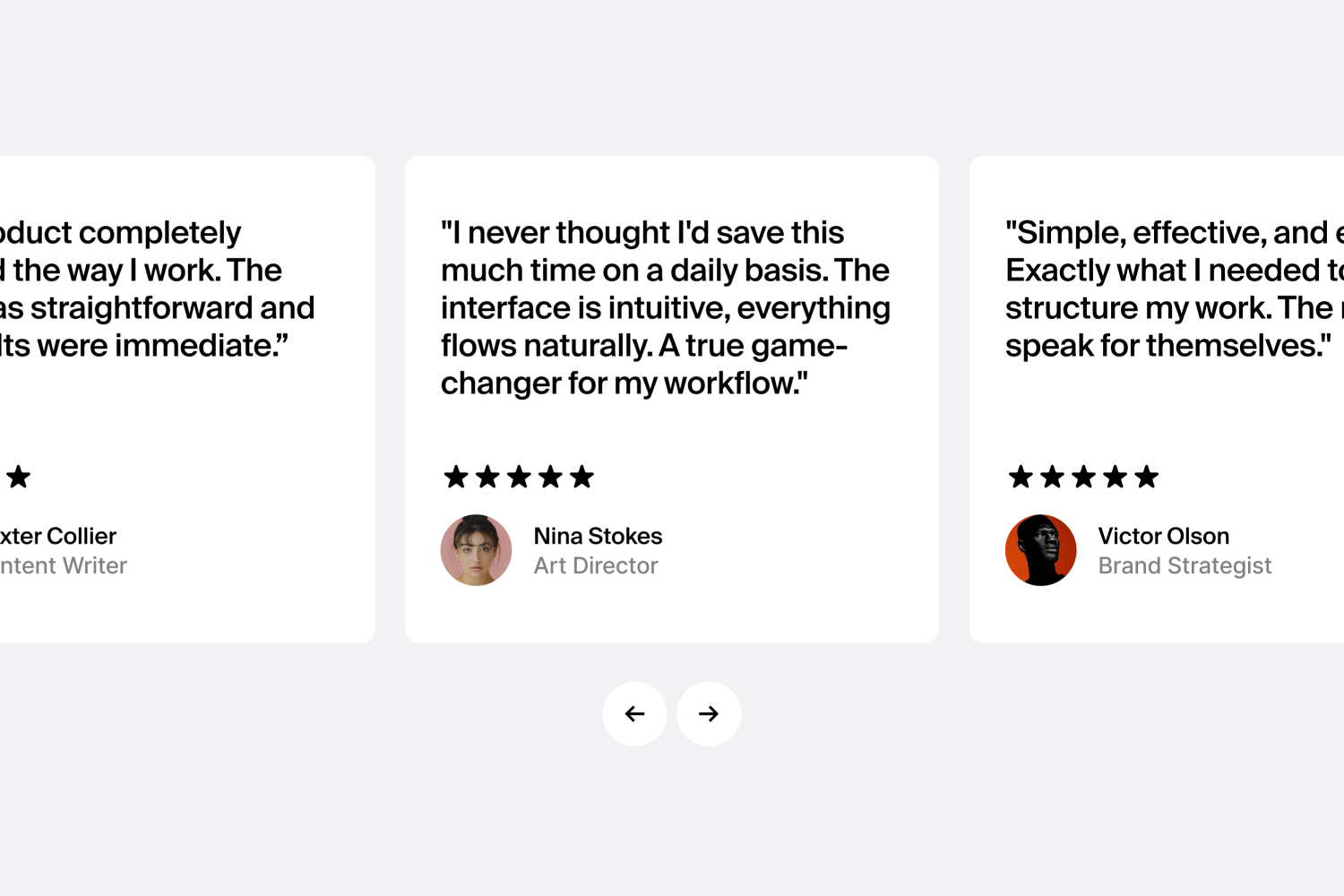
Testimonial Slider
Showcase customer feedback with a fully customizable testimonial slider.
-
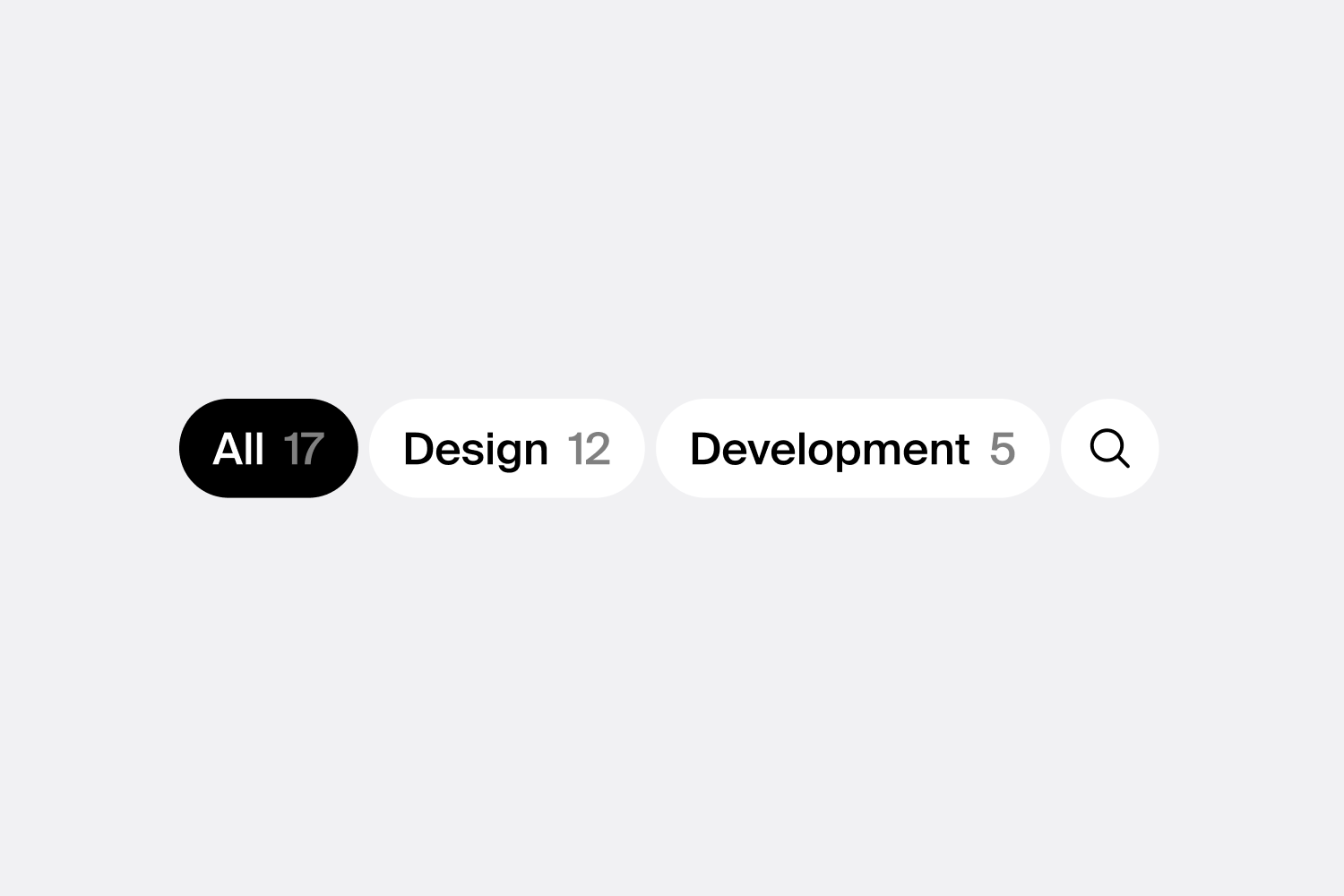
Smart Filter
Adds a filter function to any section to quickly sort and display specific items.
-
Scrolling Logo Carousel
Slide images across a section to showcase brands, partners, or products.
-
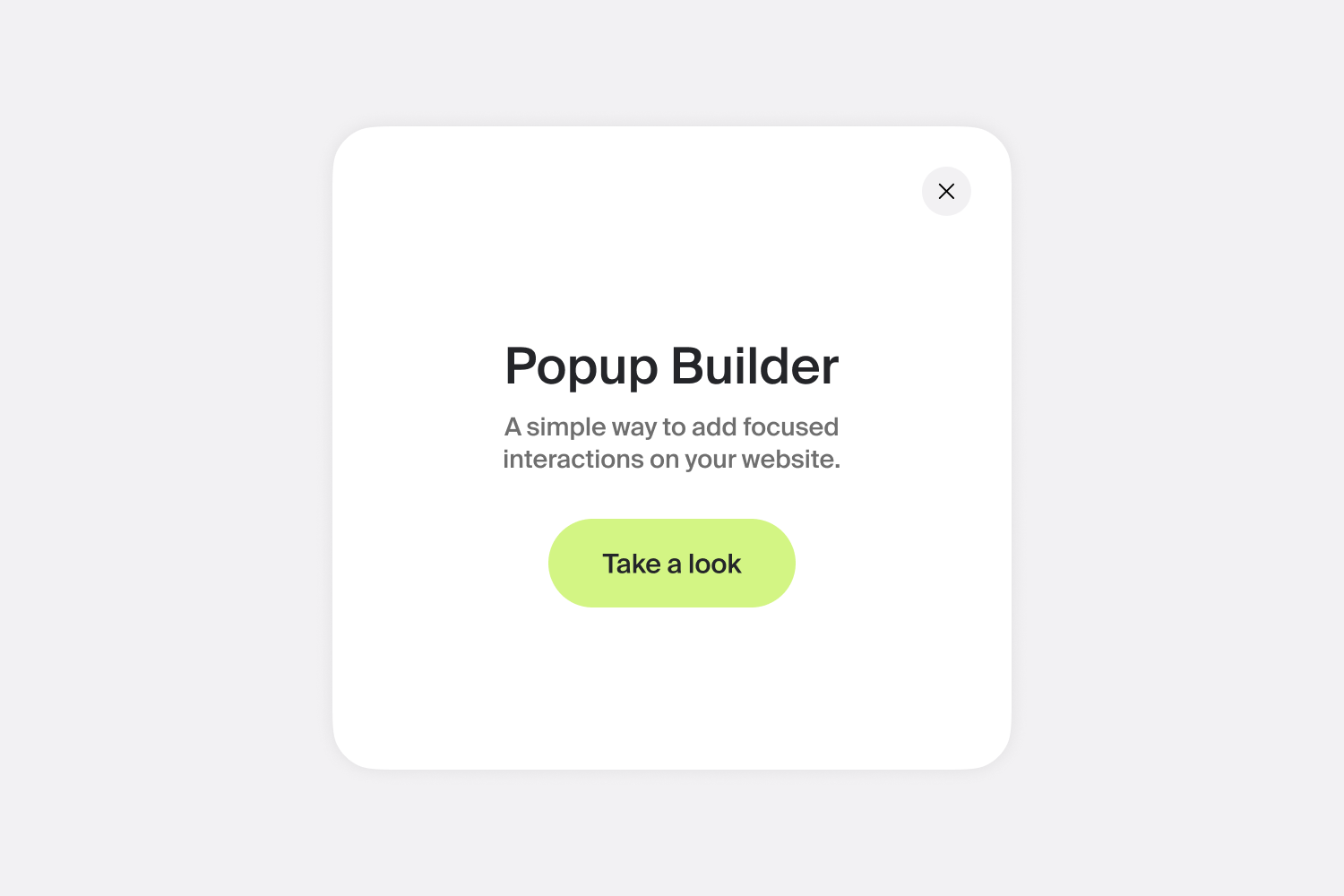
Popup Builder
Build popups your way with full control over content, position, pages, and triggers.
-
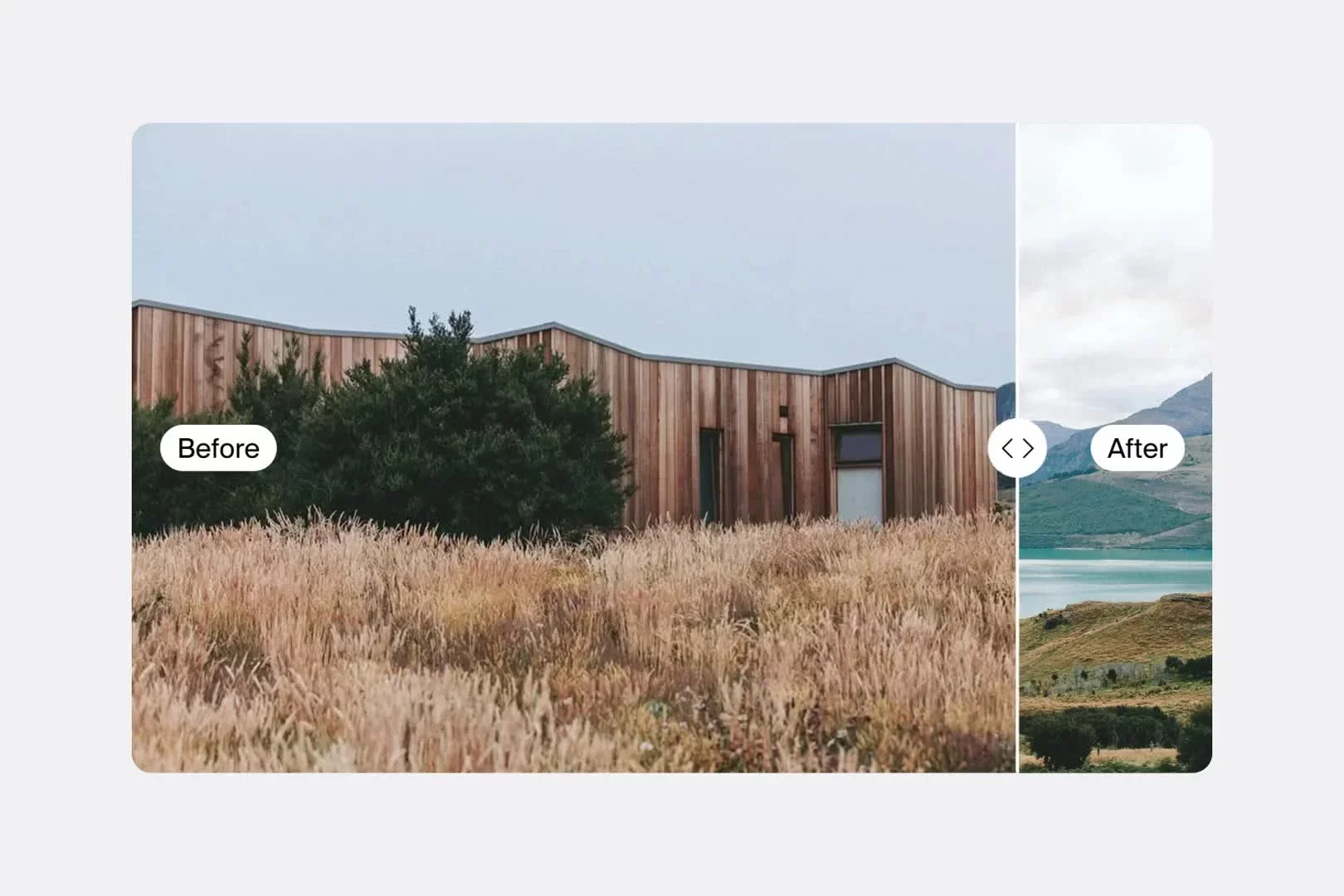
Before & After Slider
Compare images with a simple interactive slider.
-
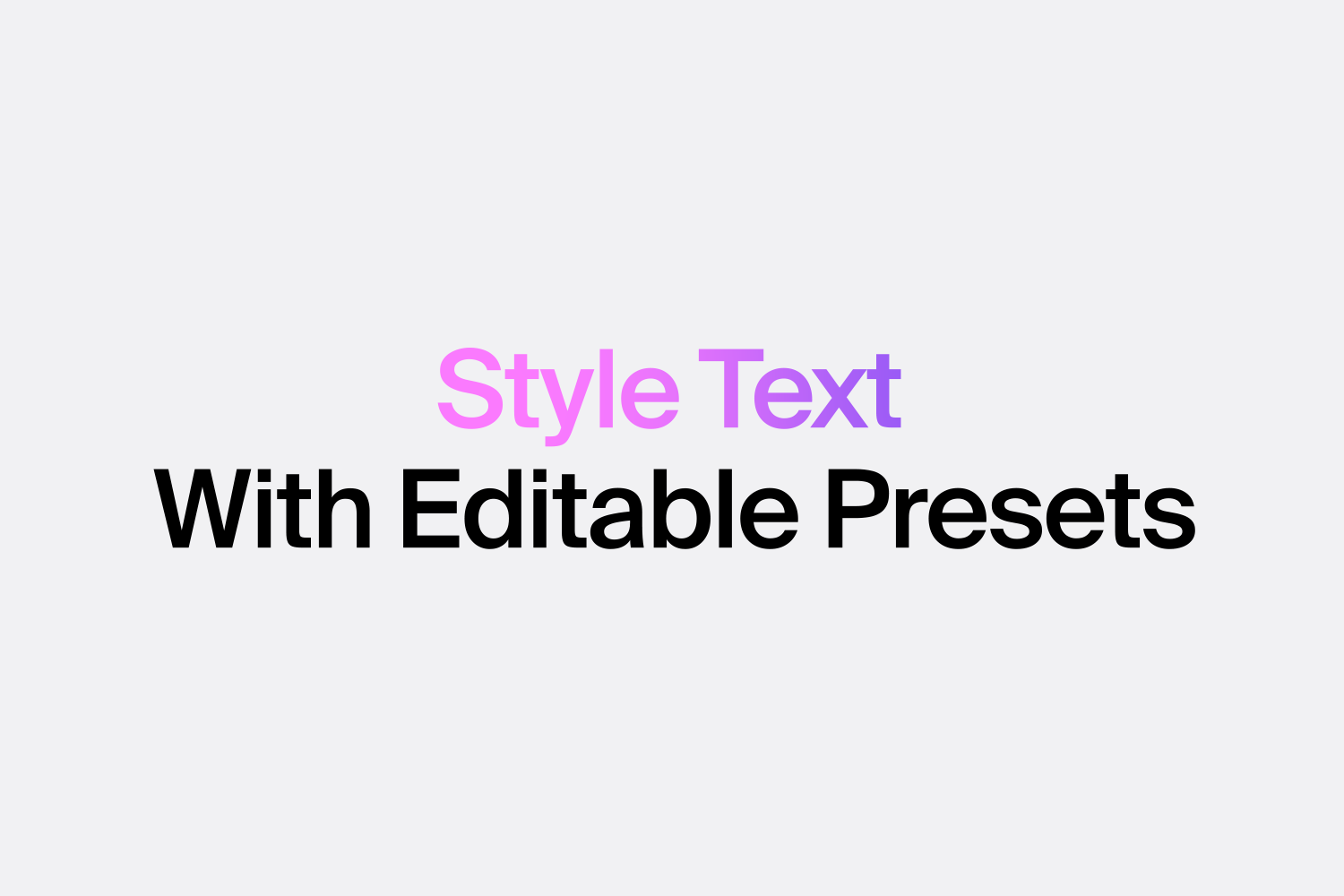
Text Effects
A range of customizable text presets to make your headings stand out.
-

Word Loop Effect
Loop through words to make your headlines more engaging.
-
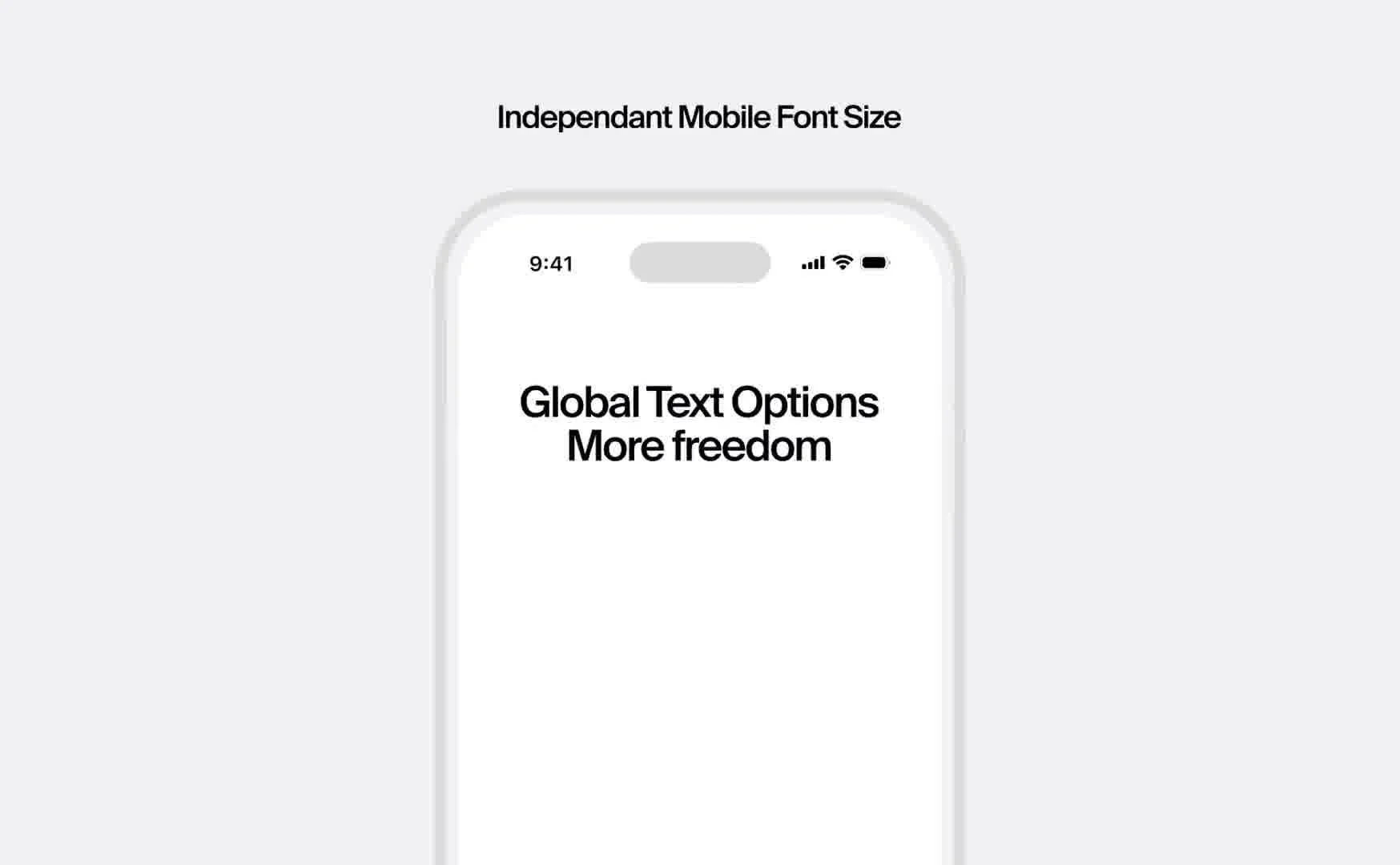
Block Text Options
Adjust font size, color, and styling, anywhere on your site.
-
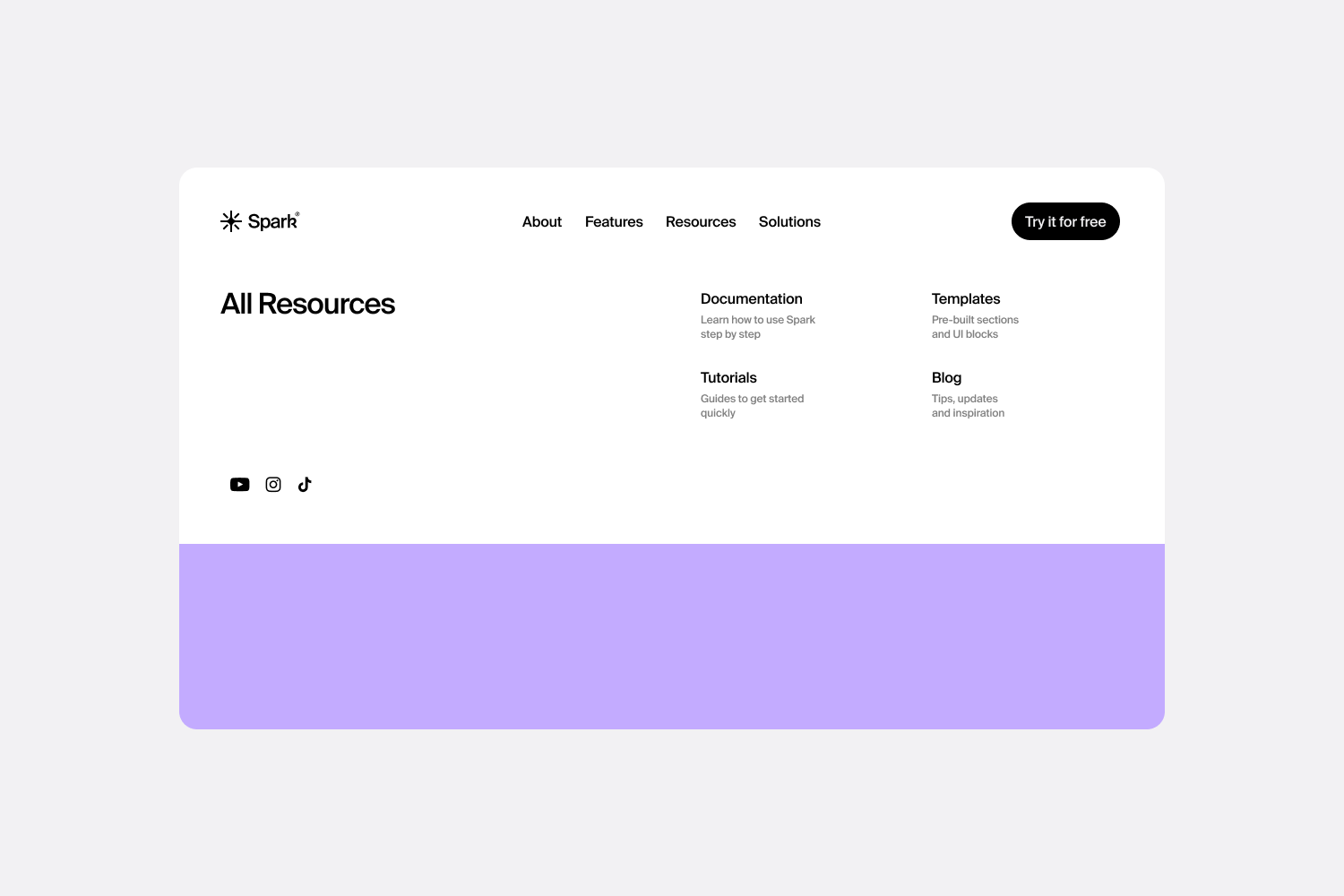
Mega Menu
A large navigation that helps visitors find what they need faster.
-

Back to Top Button
Let visitors jump back to the top with one click.
-
Loading Screen
Show a custom loading screen while your site content loads.
-
Scroll Indicators
Encourage visitors to discover more of your Squarespace site.
-
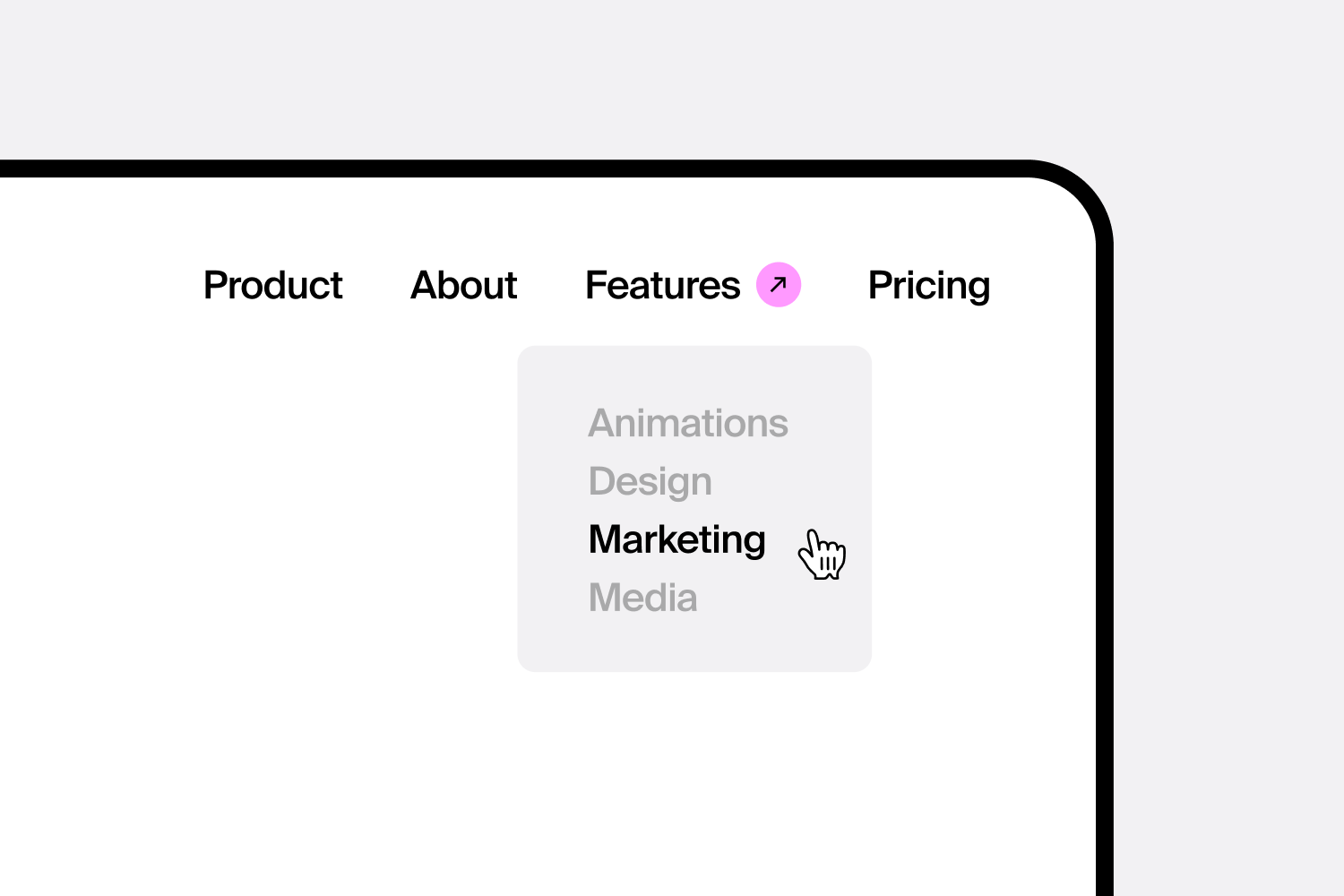
Dropdown Designer
Make your dropdown menu look and work the way you want.
-
Momentum Scroll Animations
Super smooth animations that move as you scroll.
-
Button Designer
Choose from many pre-designed button styles and engagement effects to boost your website's conversion rates.
-

Live Chat
Add WhatsApp, Messenger, or Email directly to your site.
-
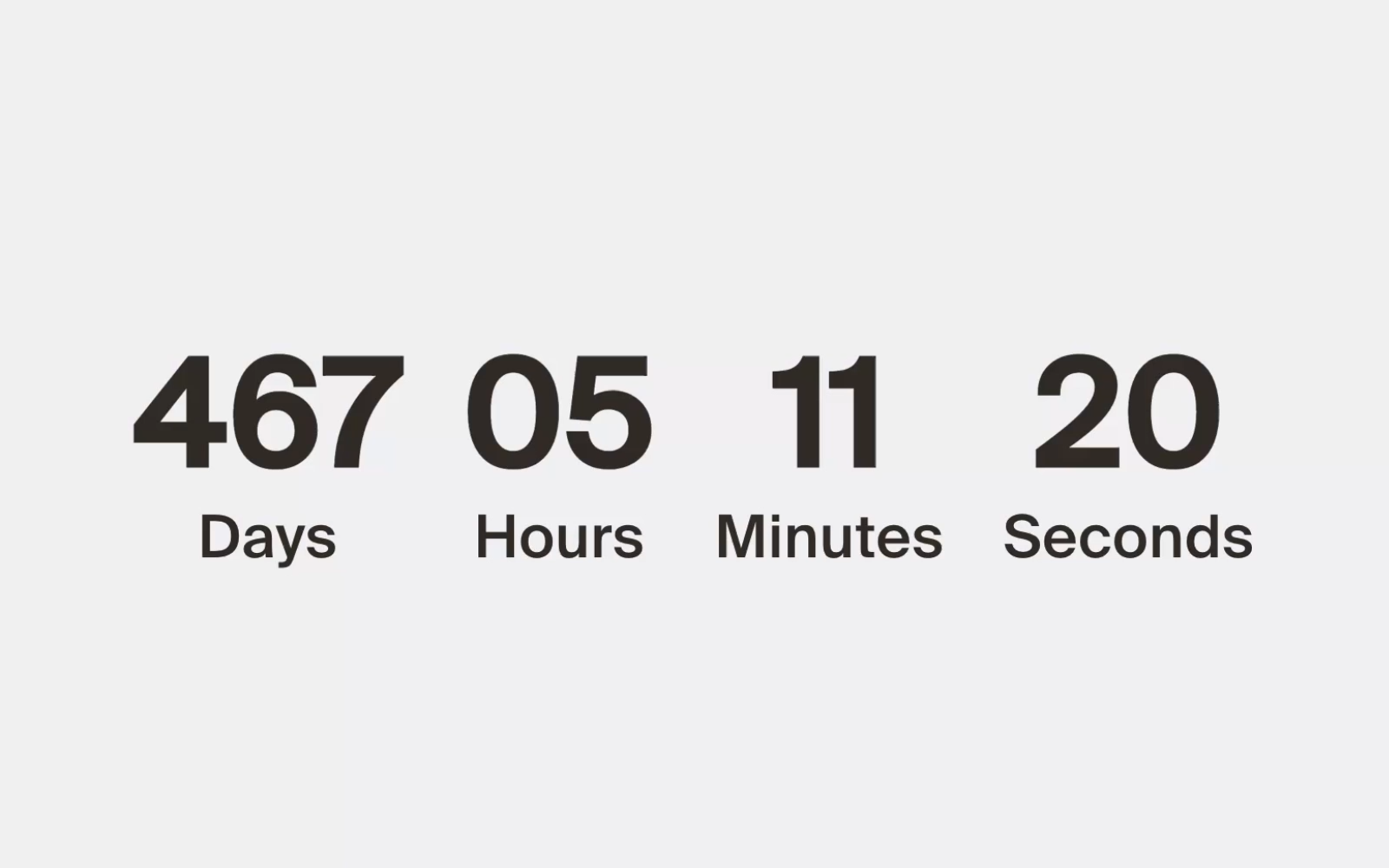
Countdown Timer
Show a live countdown to build excitement for your next launch, event, or sale.
-
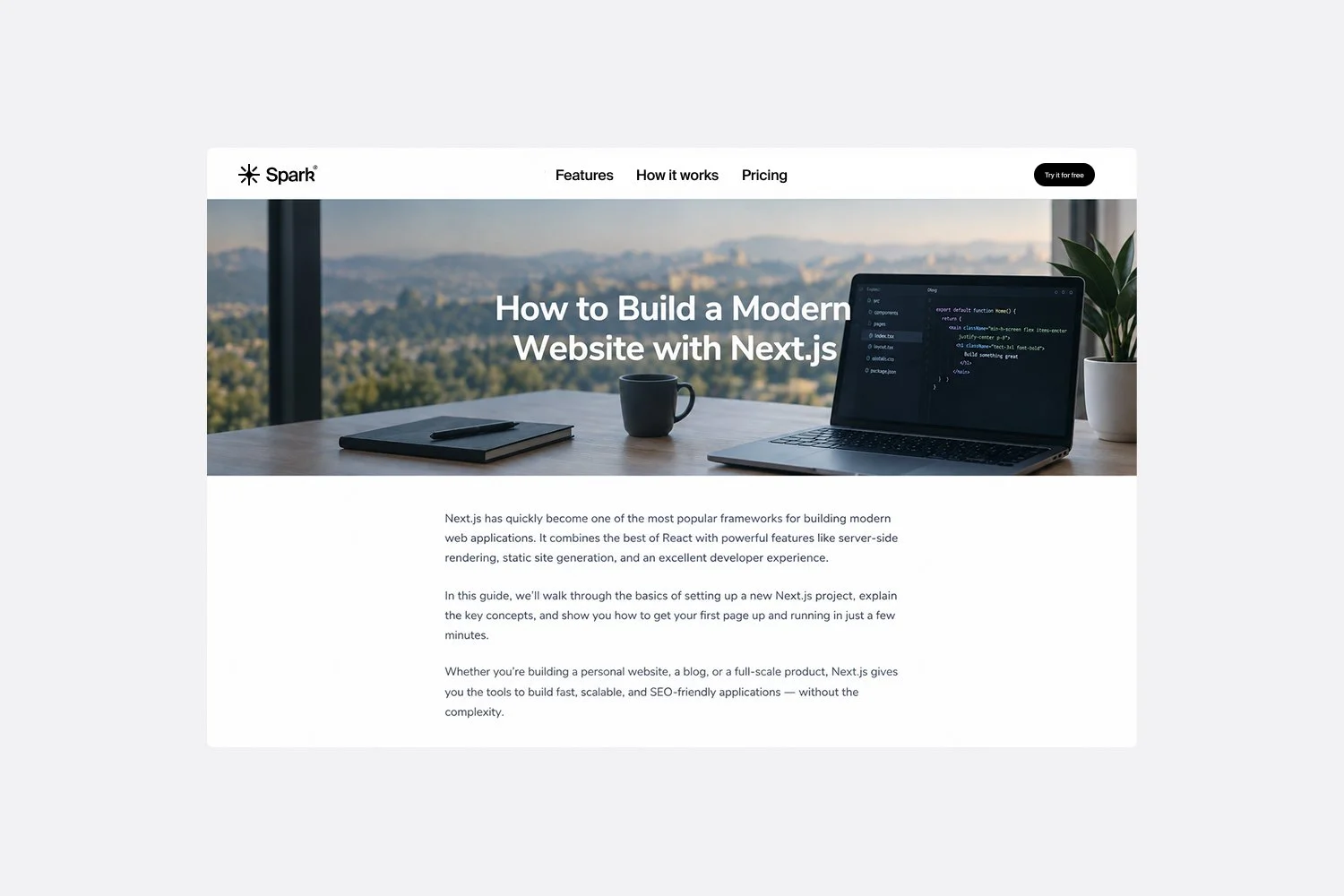
Blog Post Banner
Turn the top of your blog post into a clean image banner.
-
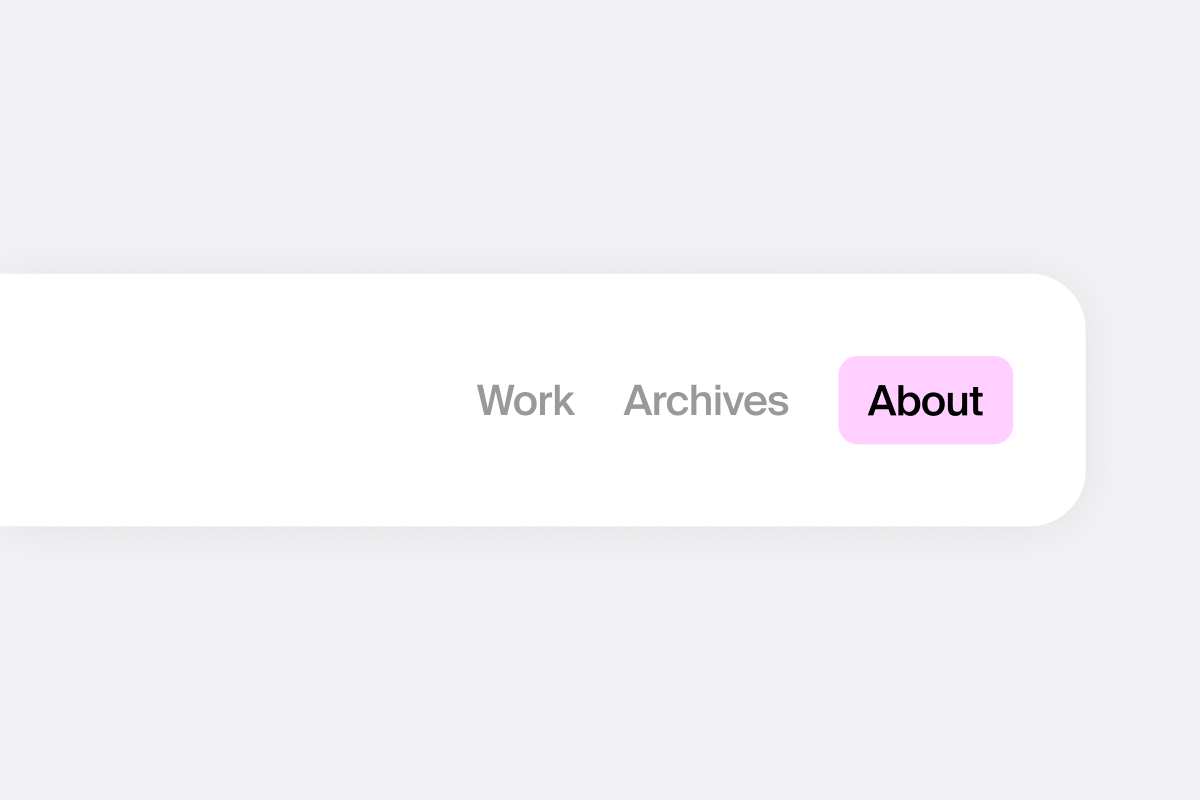
Header Designer
Customize every detail of your header, including links, logo, buttons, and more.
-
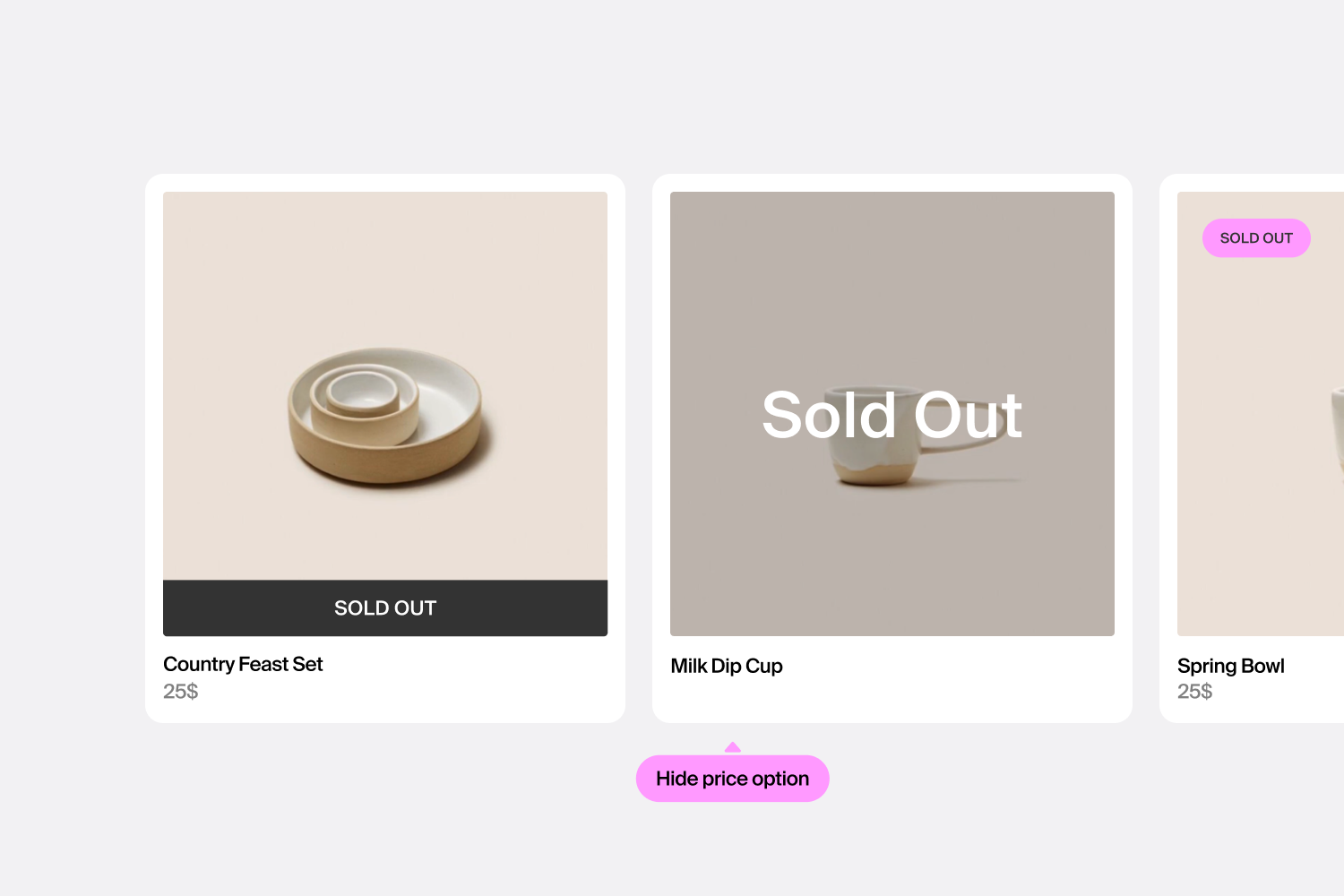
Sale & Sold Out Labels
Improve sales with custom designed sale and sold out labels.
-
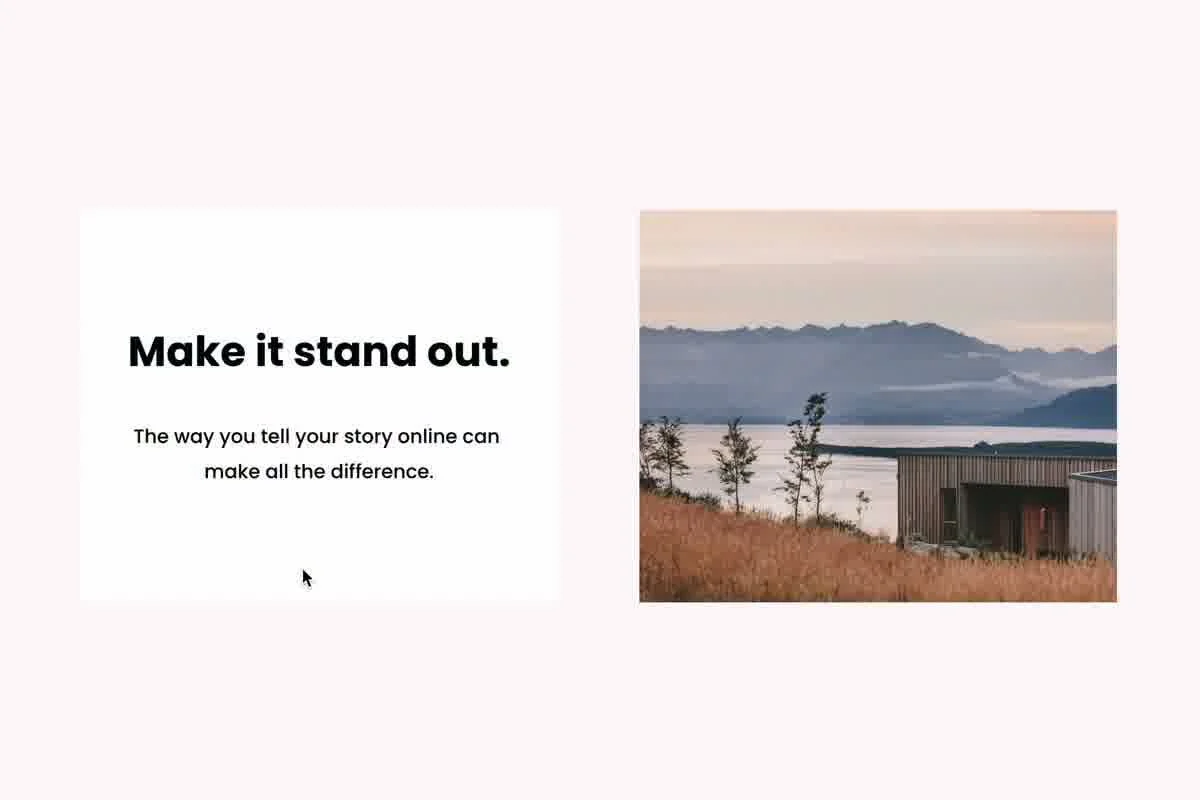
Hover Effects
Make your site more interactive with hover effects that reveal content, animate blocks, and change cursors.
-

List & Carousel Designer
Redesign your carousel, list, blog post or slideshow.
-
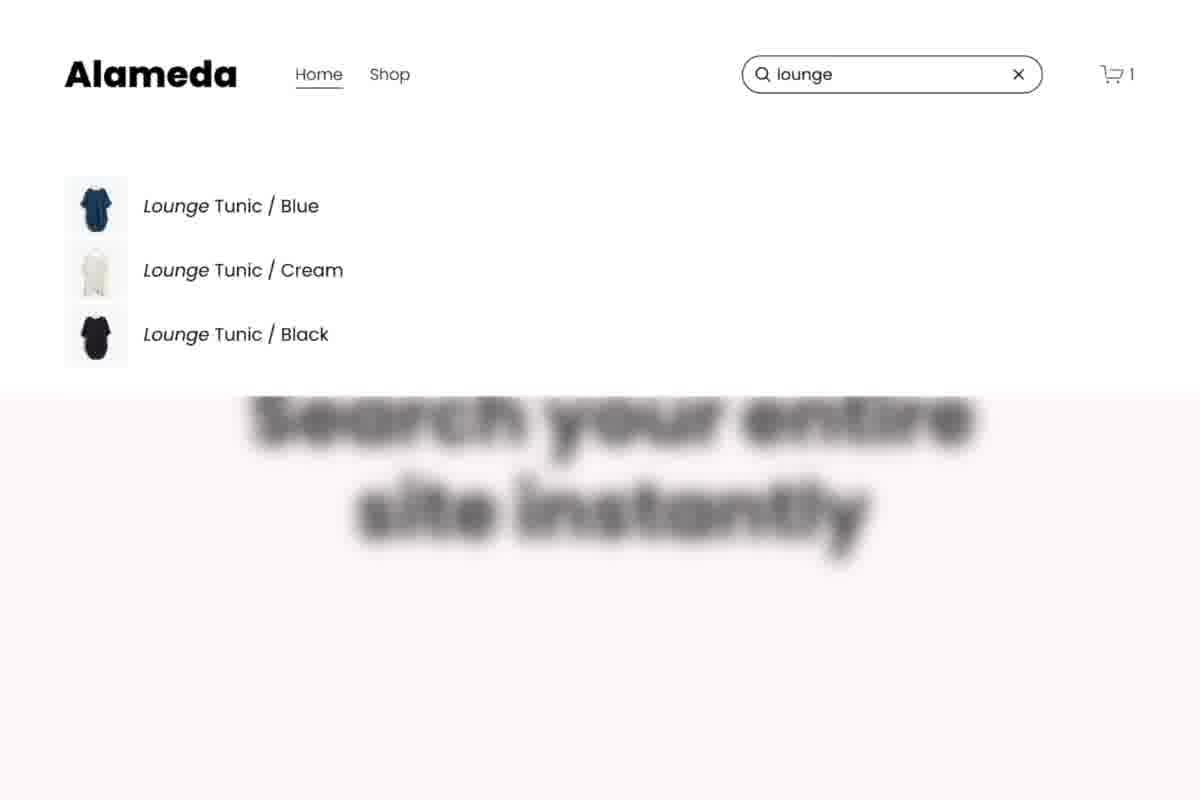
Search Bar
Make your site easier to explore with a search bar in the header.
-
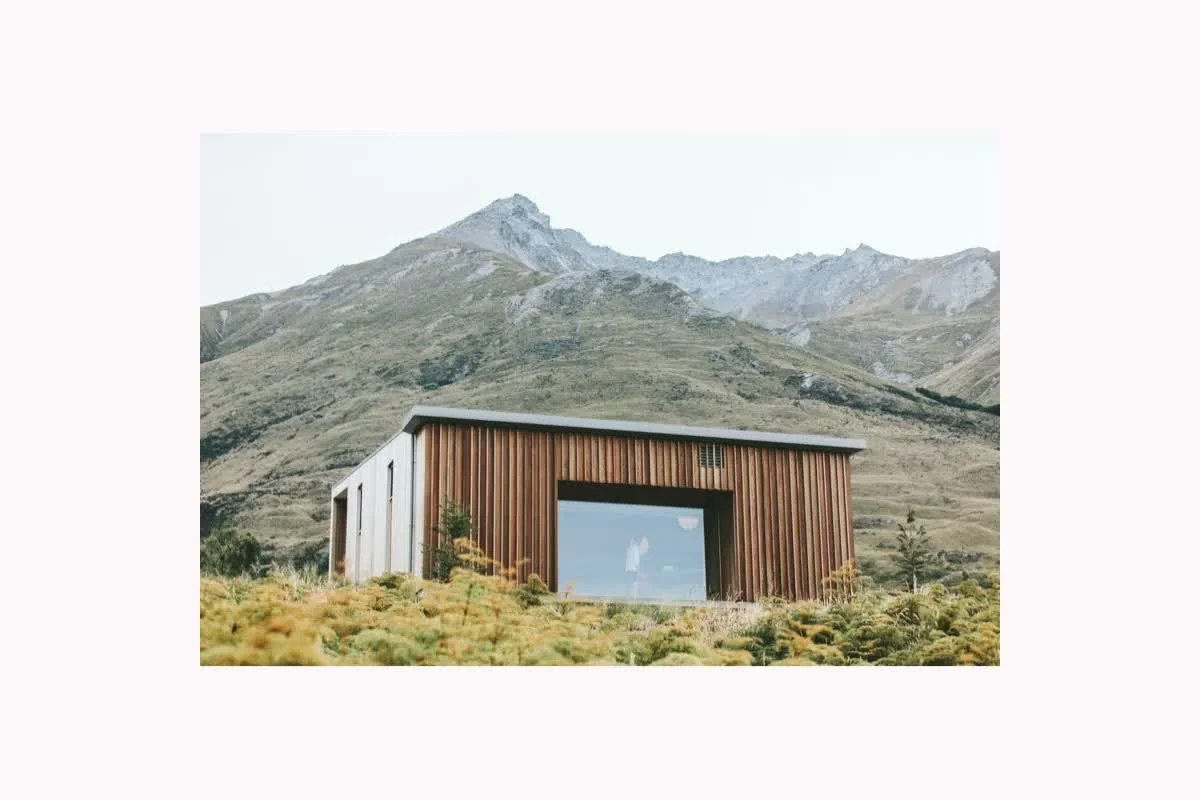
Block Designer
Customize any block with fonts, backgrounds, shadows, borders, colors, margins, and more.
-
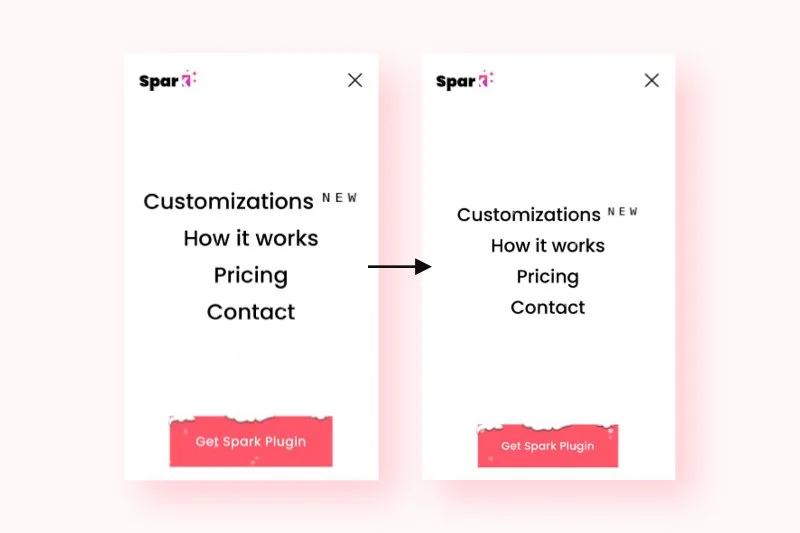
Mobile Menu Designer
Adjust font size, colors, menu icon, and more, in the mobile navigation.
-
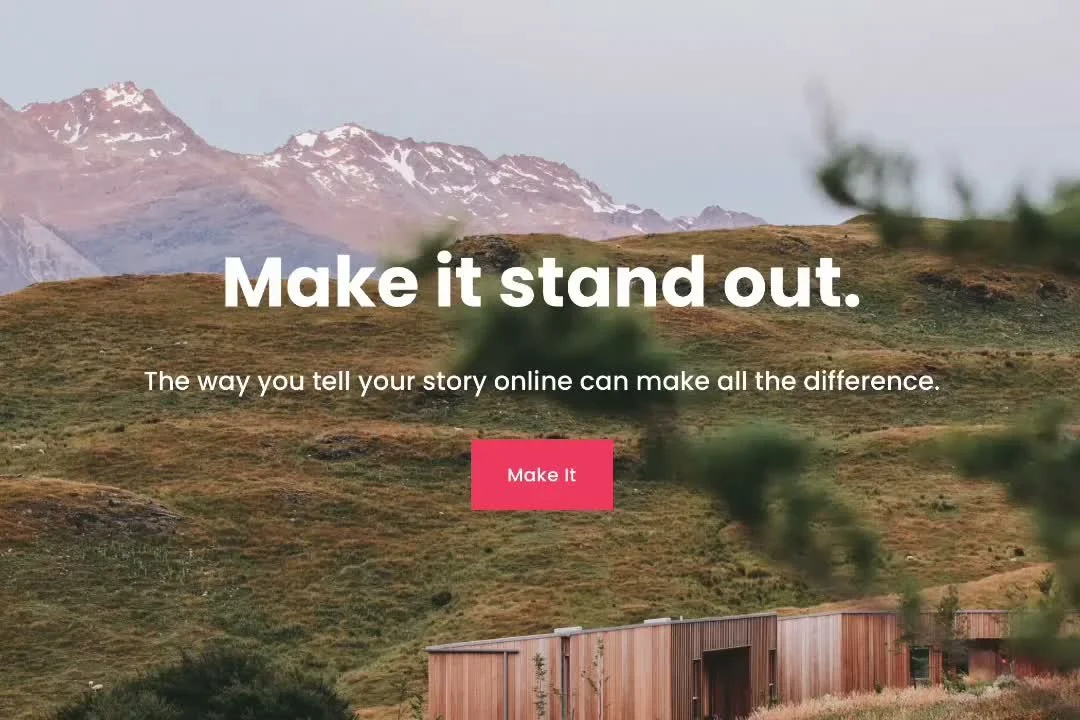
Background Effects
Background animations and shapes that makes your site more interesting.
-
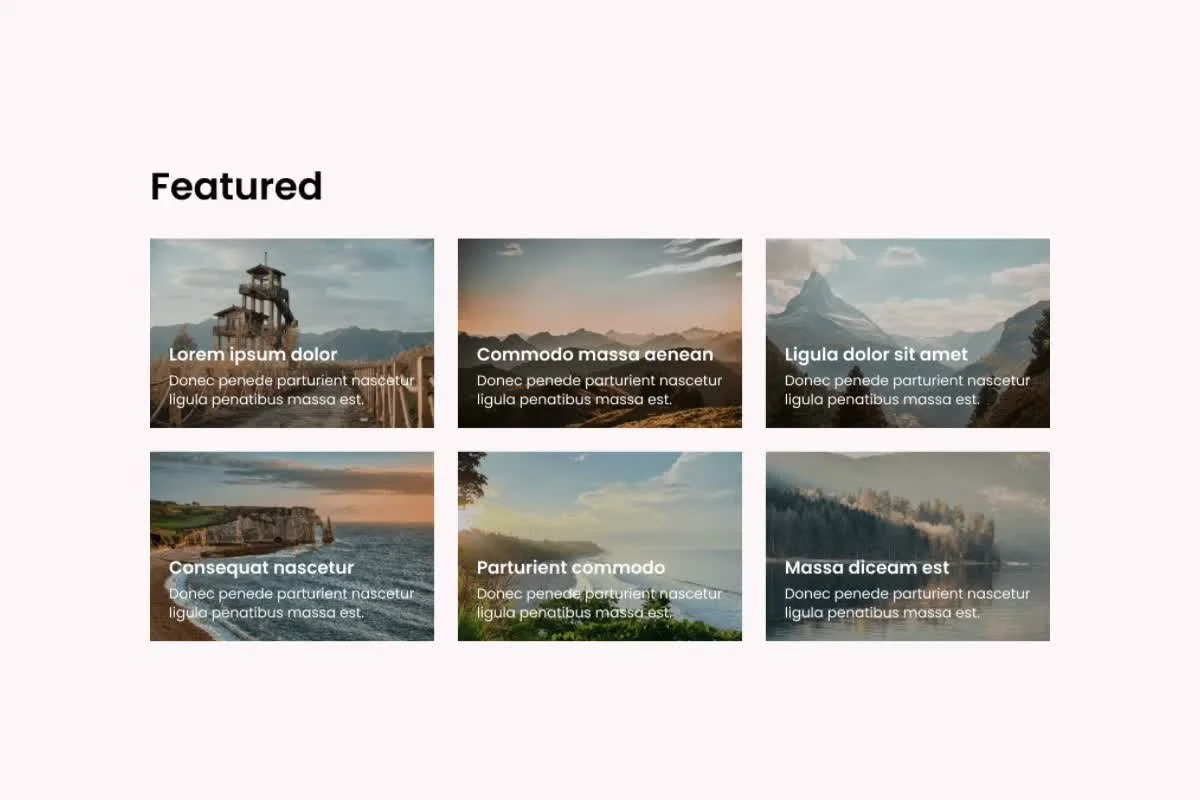
Dynamic Background Colors
Bring your website to life with fluid color transitions.
-
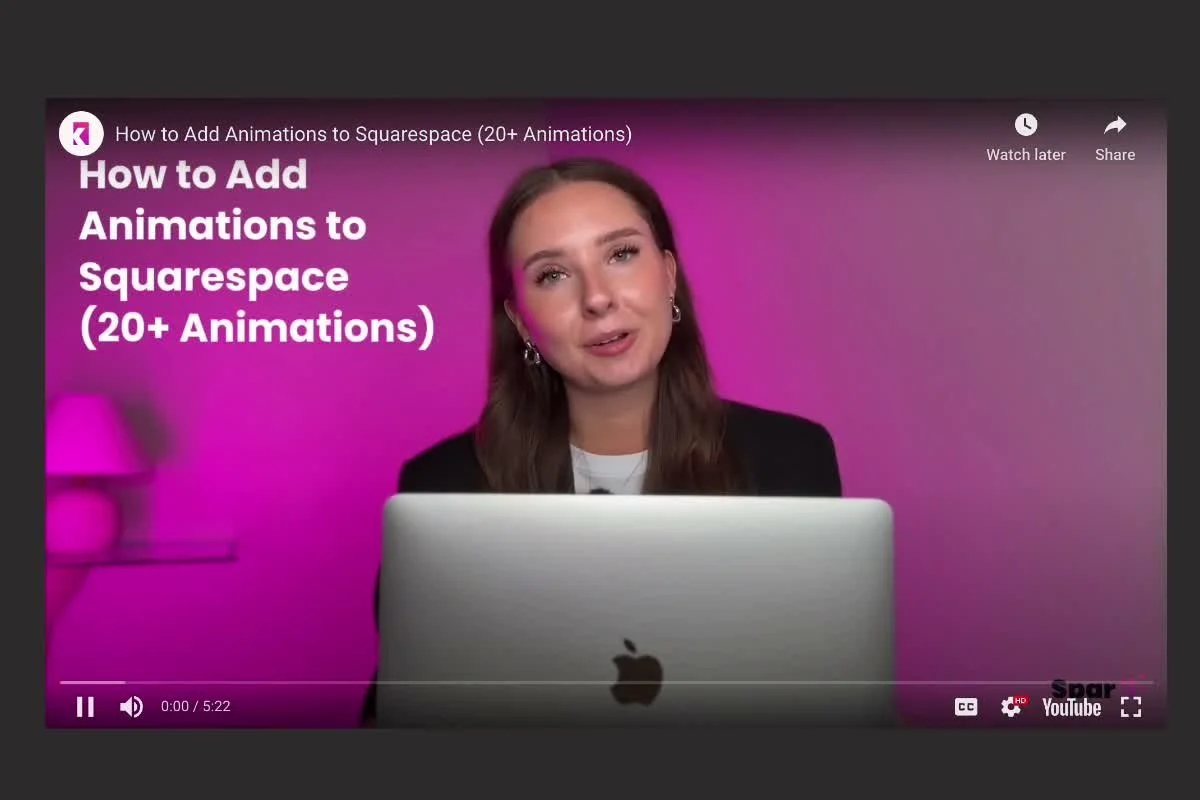
Video Popup Button
Display any YouTube or Vimeo video in a lightbox popup.
-

Announcement Bar Effects
Increase conversions by animating the color and text.
-

Image Design & Effects
Customize every image with powerful design controls, including shadows, borders, hover animations, and animated shapes.
-
Block Animator
Animate any block on your website in a loop.
-
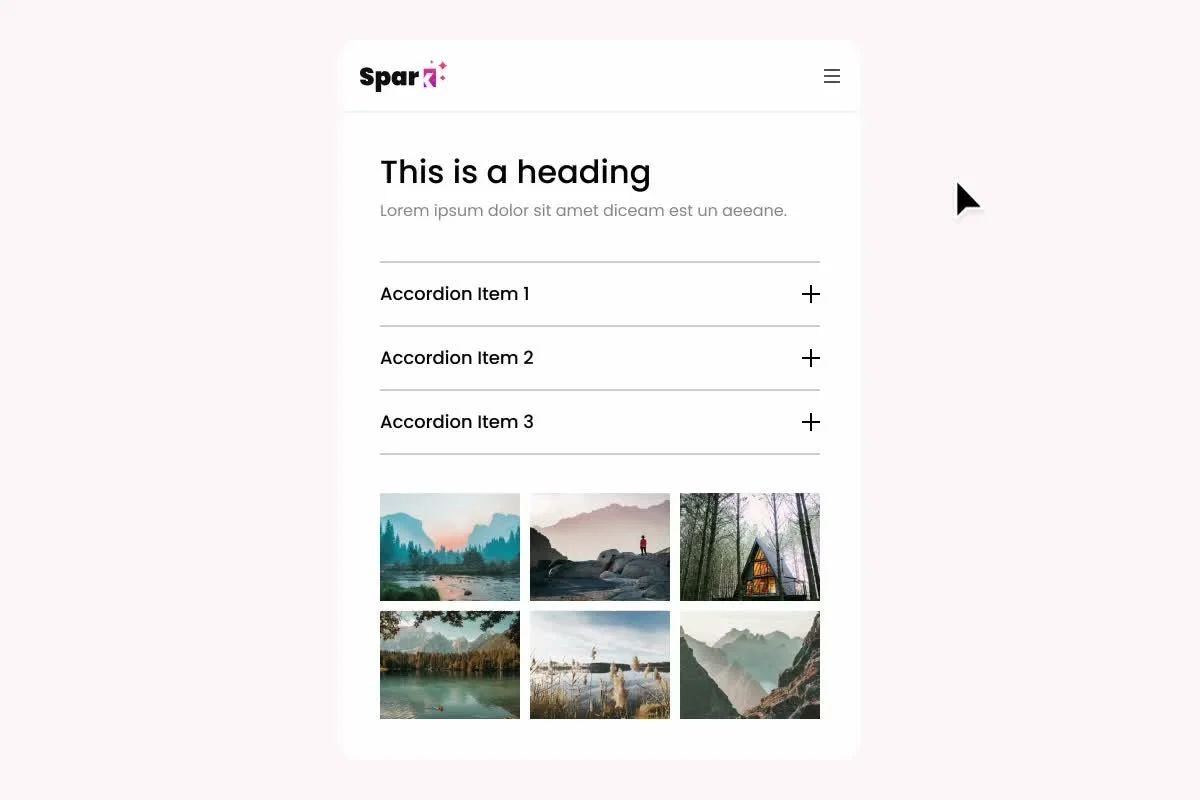
Section & Block Visibility
Control visibility across devices. Hide individual sections and blocks on mobile or desktop.
-

Slide-in Menu
A minimalistic slide-in menu that mimics a mobile menu on desktop.
-

Sticky Sections Effect
Pin specific sections to remain fixed while the rest of the page scrolls.
-

Custom Cursors
Make your site more fun!
-
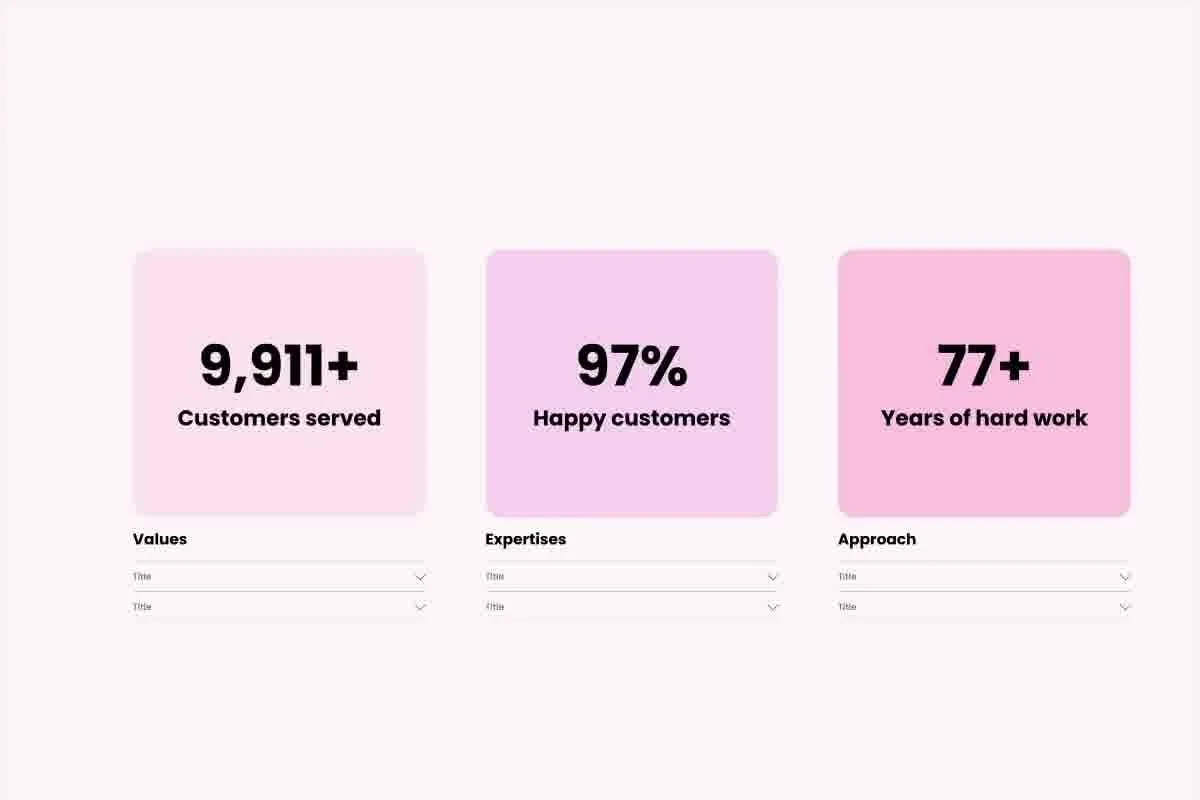
Number Counter
Animate numbers to highlight milestones, achievements, and metrics.
-
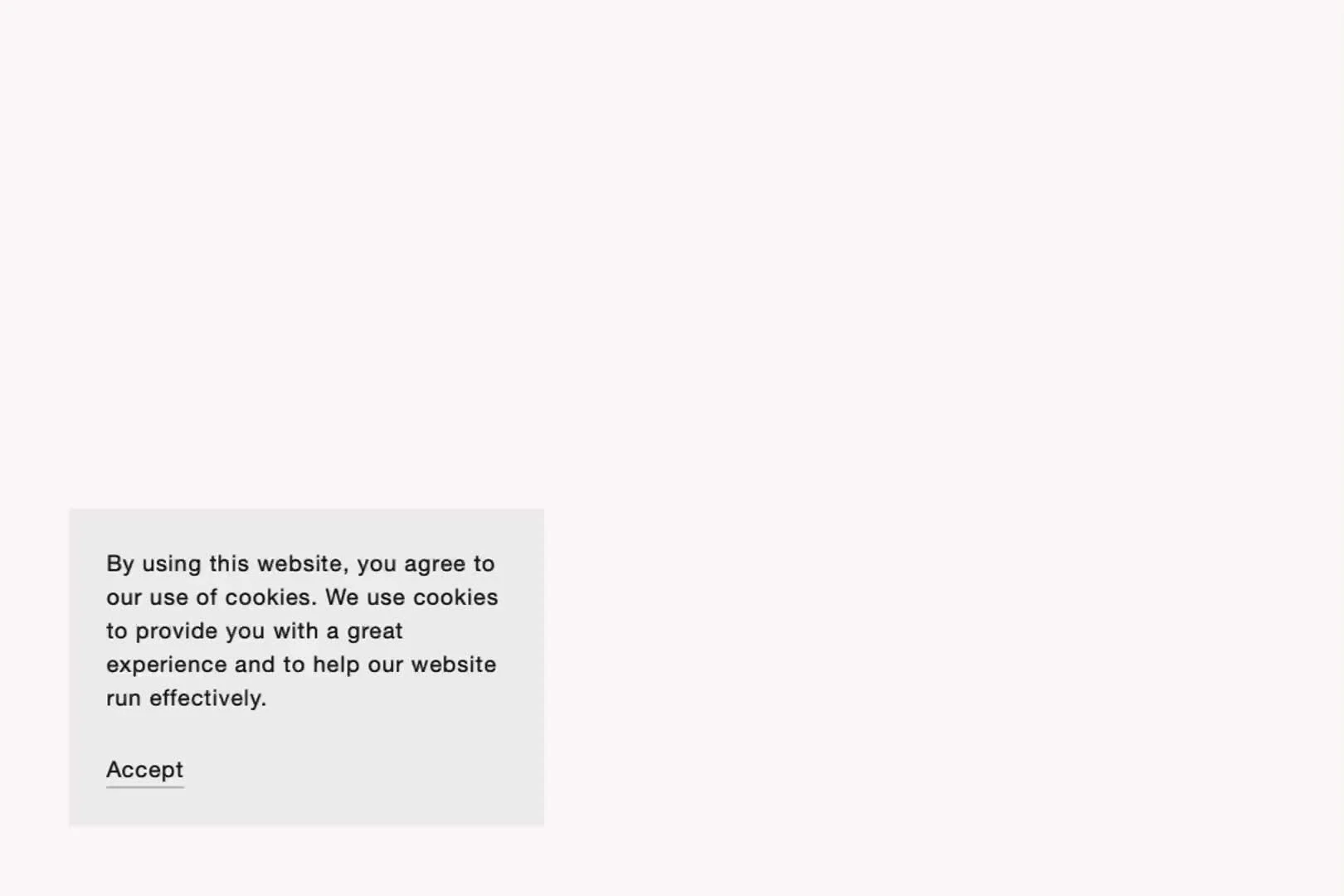
Cookie Banner Designer
Choose from 5 pre-designed cookie banner designs.
-
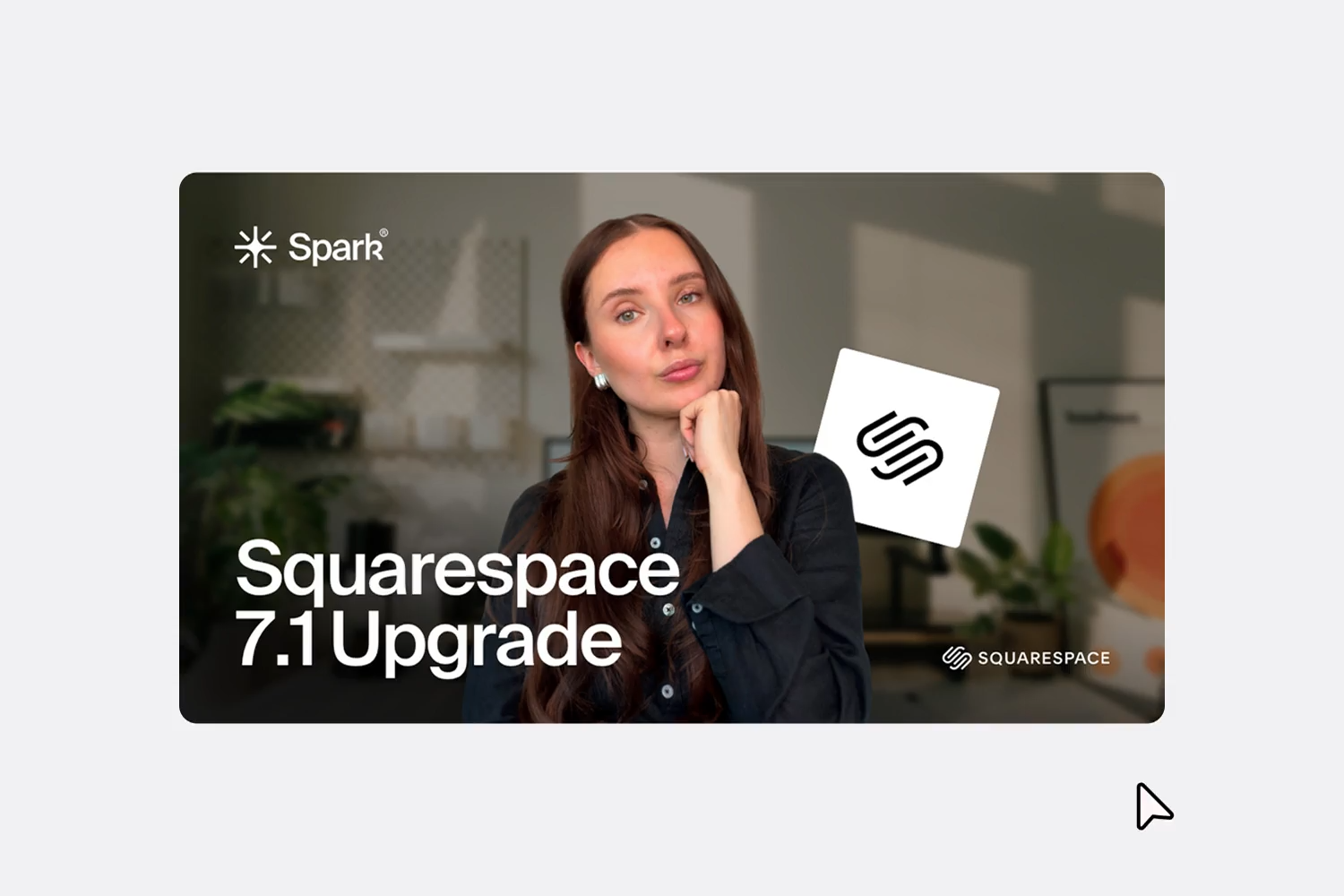
Video Block Designer
Customize your videos with shadows, borders, animations, and adjustable corner radius.


Get featured,
get seen.
Reach thousands of designers
and potential customers.
Frequently Asked Questions
-
Yes. All sites featured in this collection are real Squarespace website examples.
-
Yes. If you’ve created a Squarespace site you’re proud of, you can submit it for consideration using the submission link in the navigation bar.
-
Browse sites in your industry or explore completely different categories for fresh ideas. Look at elements such as page layouts, typography, navigation, color palettes, image treatments, animations, calls to action, and the way content is structured.
-
Winners and Runner-Ups are websites that have got the most votes by the SQSP Weekly community.
-
Use the Built with Spark Plugin filter on this page to discover Squarespace website examples that use Spark Plugin. These examples can be particularly useful if you’re looking for ideas for effects and customizations that go beyond Squarespace’s standard design options.
